
Touch Typing: Types of Keyboards
What types of keyboards are there?
When you are about to learn touch typing online, you might wonder if your computer's keyboard is the right one. Will it help you learn, or will it hold you back? In this post, we will look at the types of keyboards available on the market and which one is best suited for each use. Find out which one is yours!
Gaming keyboards
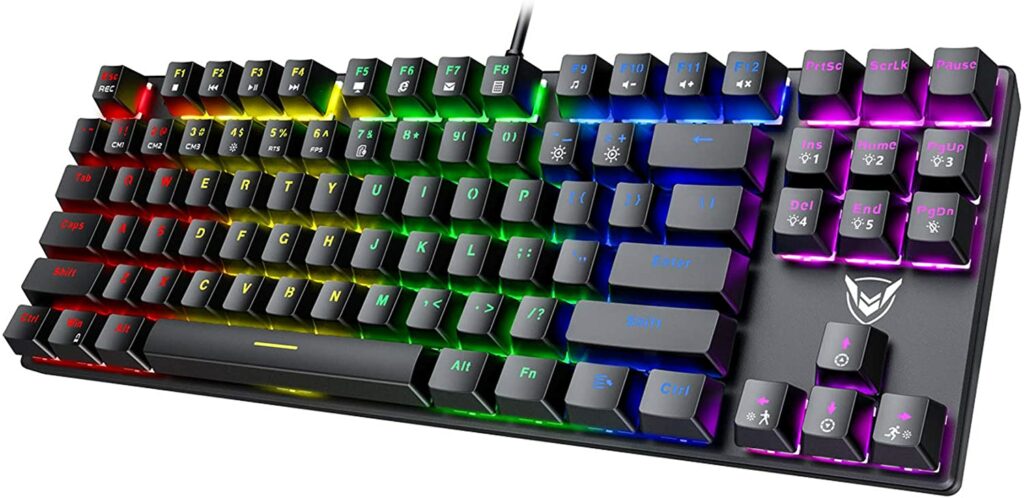
They are in fashion. And if you have a child in the family who is a video game fan, they have surely asked you for one. This is a type of keyboard that usually has a radical design. The size of the keys is usually tall, and in most cases, they are accompanied by colored lights.
There are mechanical or membrane gaming keyboards, but for an optimal gaming experience, the keyboard should be mechanical.
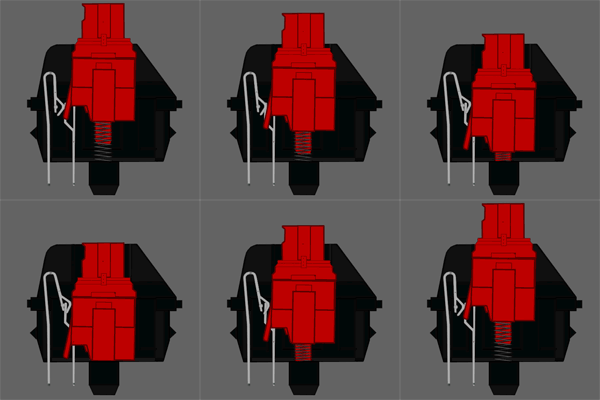
Most mechanical keyboards use the famous Cherry MX keys, which are interchangeable, and depending on the model, the key behaves differently. We leave you a link to Wikipedia so you can research a bit more about Cherry MX.
They are usually wired keyboards due to the power consumption of the lights and, above all, to achieve the lowest possible response time.
Typing keyboards
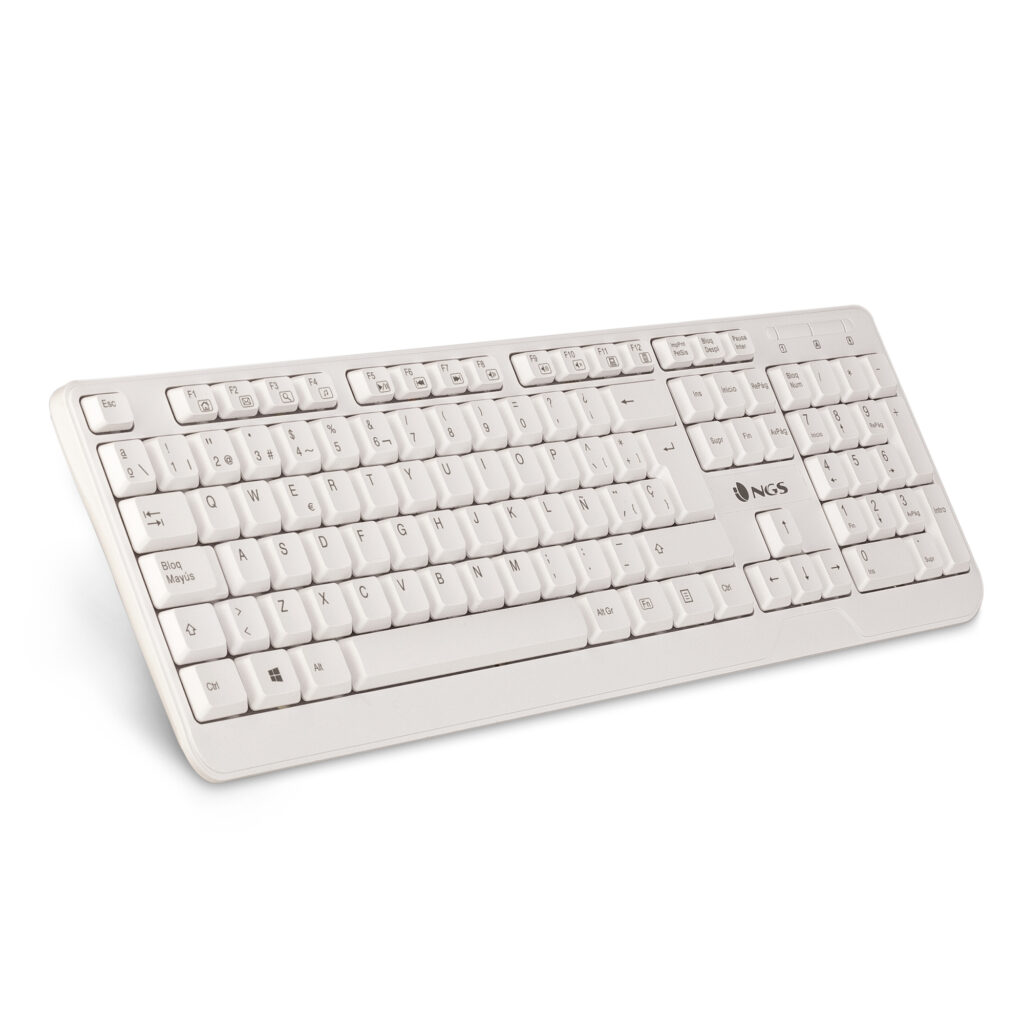
This is where the vast majority of common keyboards belong. They are the cheapest and most versatile.
The most common way to find them is with membrane-type keys. The membrane is usually a kind of rubber that, when the key is pressed, makes contact with a printed circuit board. The key returns to its original position via the same membrane, which, when no longer pressed, recovers its original shape and consequently pushes the key upwards.
A keyboard of this style usually costs between €6 and €20, and can reach higher prices depending on the finishes and features it has.
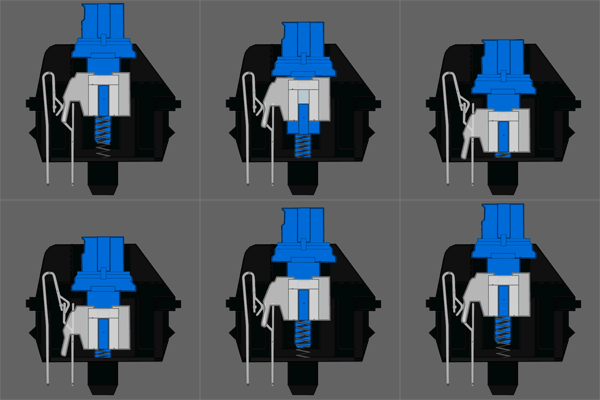
If you are looking for a mechanical keyboard for typing, within the Cherry range, the MX Blue keys will delight you. When typing quickly and continuously, there are times when keystrokes are not entirely firm. If you have a keyboard with Cherry MX Blue keys, you will prevent keys from failing to appear on the screen due to a half-press.
Multimedia keyboards
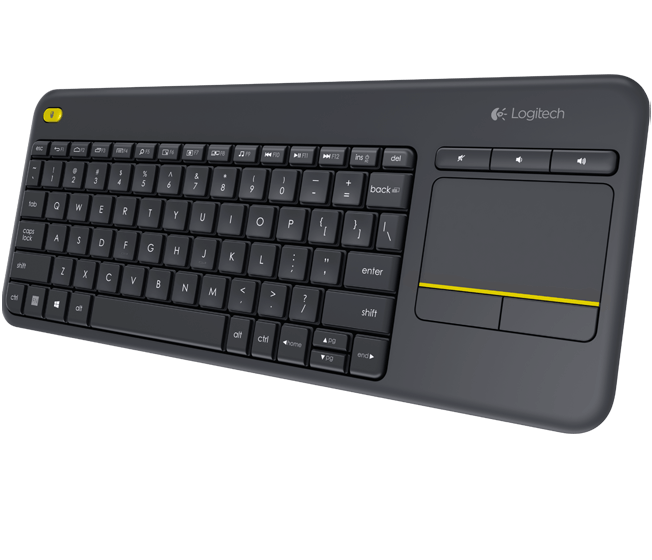
Geared towards living room use, this is a keyboard that is on the rise. We have more and more devices connected to the TV or directly smart TVs that we couldn't even imagine a few years ago.
These types of devices often include a trackpad to use in the absence of a mouse or to be able to do without one.
This allows you to reduce the number of gadgets to control the television and only need a single device to control the SmartTV.
But above all, among the types of keyboards, multimedia keyboards are characterized by having playback controls, such as volume control, fast forward, rewind, stop, pause playbacks, etc.
Wireless keyboards
Do you want to have a desk free of cables? Well, a wireless keyboard is what you need. It allows the work area to be visually cleaner, with the only drawback of having to rely on batteries. Usually, batteries have a lifespan of several months or even years.
These can be connected via Bluetooth or via 2.4Ghz wireless technology. Depending on the device you want to connect it to, you must use one technology or another.
Recommendation: If you are thinking of connecting it to a tablet or a mobile phone, you will need one with Bluetooth technology.
Laser keyboards
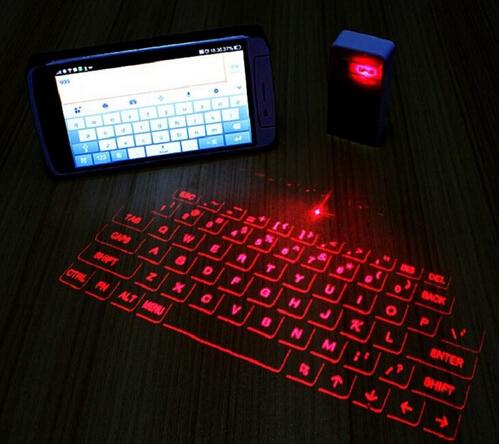
While they are not the best, nor the most comfortable, they can save us on occasion. A beam of light will be projected onto any surface and we can start typing.
It has two major drawbacks: we completely lose the feel of the keys, so we will lose speed and accuracy when typing, and in natural light, the "keys" are not clearly visible.
Flexible keyboards
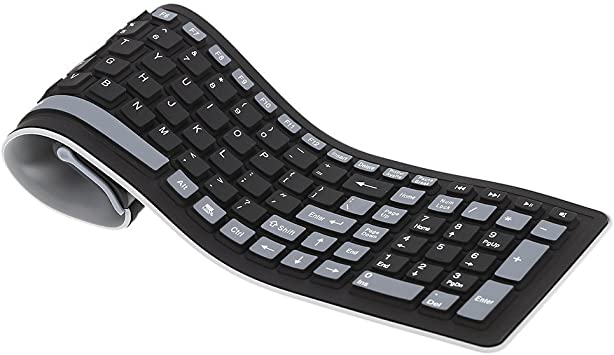
Finally, an unusual type of keyboard: flexible keyboards. Surely in some movie featuring the typical hacker, we have seen this keyboard being rolled out.
Its great advantage is that they are rollable and are, as a general rule, waterproof.
Download the touch typing ebook for FREE
or if you prefer